
Last updated: November 2026
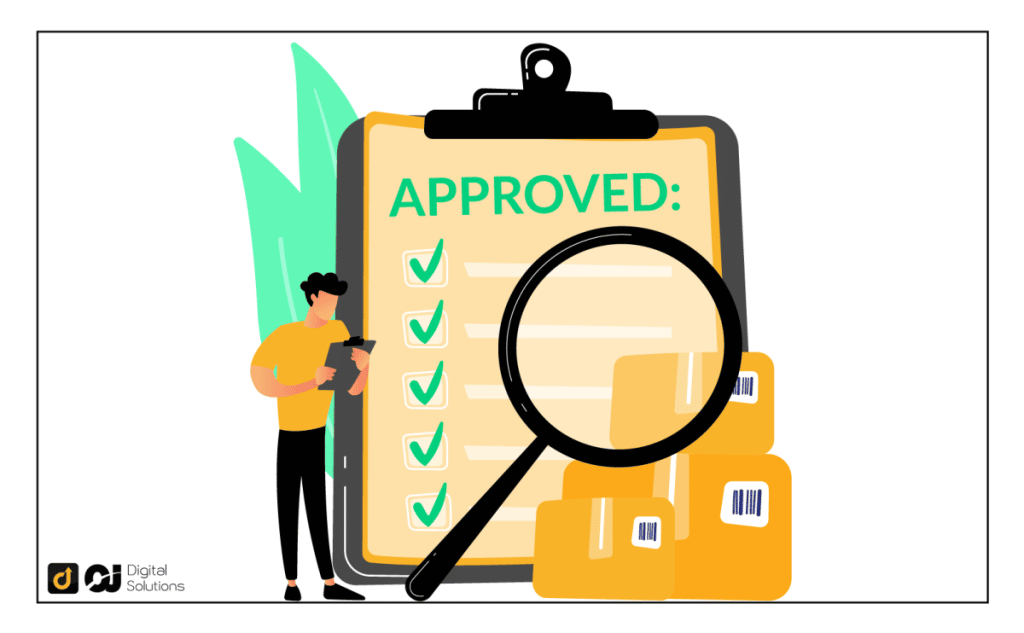
Quick answer: Quick answer: Search the product or category in Seller Central, click Request approval and submit what Amazon asks for, usually supplier invoices, safety documents or brand authorization. If denied, fix the issue and reapply.
Restricted products need proof of authenticity or safety before you can list them.
Steps
- Check the category or brand requirements in Seller Central.
- Prepare invoices from authorized suppliers.
- Gather certificates or test reports if needed.
- Click Request approval and upload documents.
- Wait for review and respond to follow-ups.
Common issues
- Invoices that are blurred, altered or not from an authorized source.
- Missing business details.
- Account health problems.
Guides
See ungating, toys approval and authorized reseller.
Frequently asked questions
How long does approval take?
It varies, from hours to days.
What if I am denied?
Fix the reason given and resubmit.
Can I sell restricted items without approval?
No, it risks suspension.
What documents help?
Valid invoices and compliance certificates.
Bottom line
Use real supplier invoices and follow requirements exactly.