
Last updated: November 2026
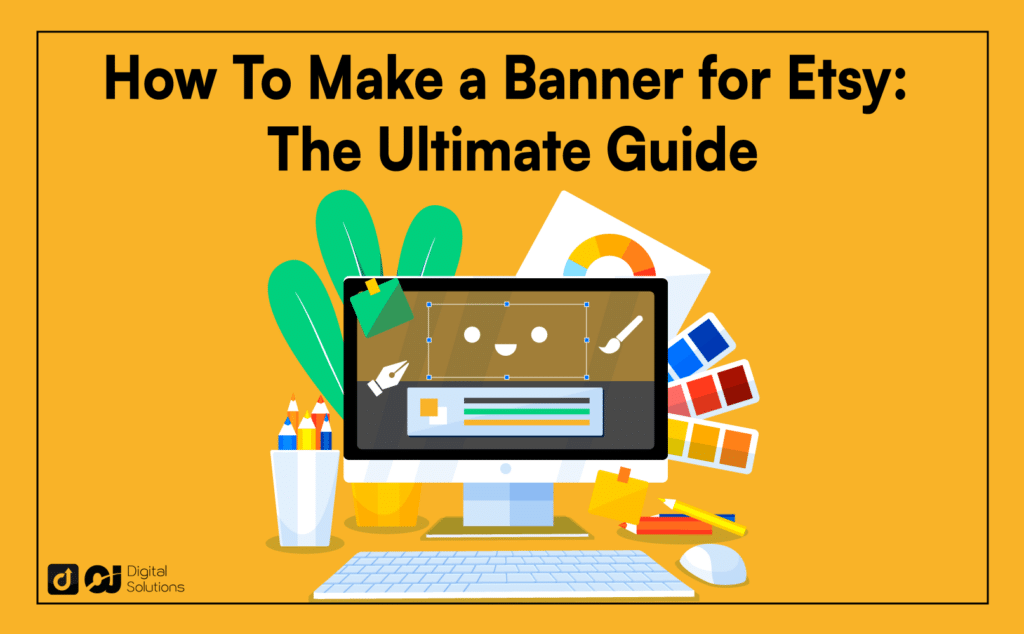
Quick answer: Quick answer: Design your banner in a free tool like Canva using the current recommended Etsy dimensions, keep text large and centered, use your brand colors and upload it in Shop Manager. Check the Etsy help page for the latest size.
Your banner sets the first impression of your shop.
Steps
- Check the current banner size on Etsy.
- Create a canvas of that size in Canva or similar.
- Add your logo, a short tagline and a product photo.
- Export in a high-quality format.
- Upload in Shop Manager.
Design tips
- Keep text short and readable on mobile.
- Use brand colors and fonts.
- Avoid clutter.
Related
See photo sizes and shop name.
Frequently asked questions
What size is an Etsy banner?
Check the current Etsy recommendation.
Can I use Canva?
Yes.
Do I need a logo?
Helpful but optional.
Does the banner affect sales?
It helps trust and branding.
Bottom line
Keep it simple, readable and on-brand.